
Check It
Research Like a Professor · Guide 5 of 9
Finding a source is half the job; trusting it is the other half. The good news is that checking takes minutes, not hours, once you know where to look. Mostly, you look somewhere other than the source itself.
Leave the page
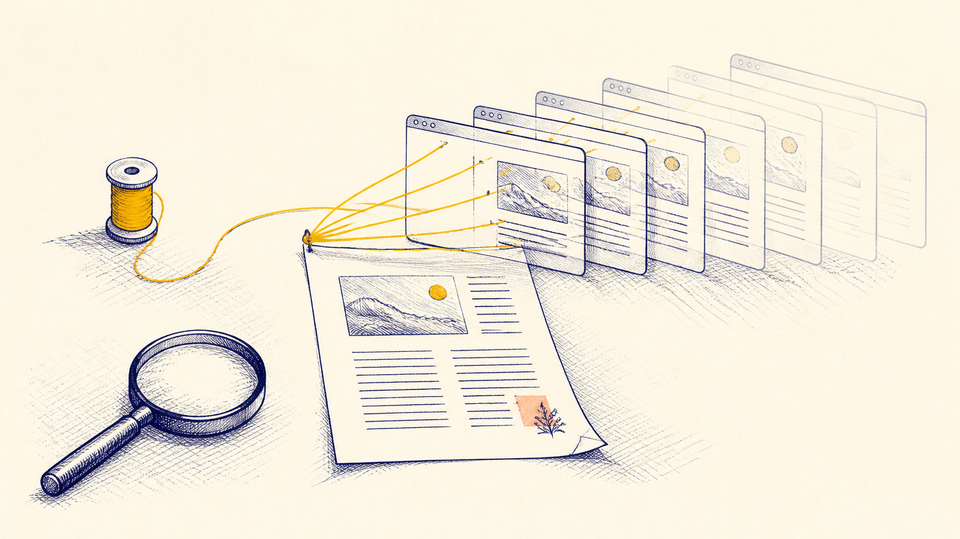
Researchers at Stanford compared how professional fact-checkers, historians and students judged unfamiliar websites. The fact-checkers were fastest and most accurate, and they barely read the site at all. Within seconds they opened new tabs to see what other sources said about it. The researchers called this lateral reading: reading across the web rather than down the page.
The reason is simple. A source can make itself look trustworthy, with a polished design, an official-sounding name and a confident tone. What it can't control is what everyone else says about it. So before you spend twenty minutes reading something, spend two minutes reading about it.
Four moves
The researcher Mike Caulfield gathered lateral reading into four moves, known by their first letters as SIFT. They work on an article, a website, a news story or a post.
- Stop. Before you share it, believe it or build on it, pause. Ask whether you know this source, and what you want from it.
- Investigate the source. Open a new tab and search the source's name, adding a word like funding, review or about. Who runs it, and what do others say about them?
- Find better coverage. Search the claim itself, not the source. If it's true and important, other trustworthy sources will be reporting it too.
- Trace it to the original. Quotes, statistics and photos get passed along and changed. Follow the trail back to where the claim first appeared, and read it there.
You won't need all four every time. Often the second move alone settles it.
Checking a scholarly source
Scholarly articles get extra checking before they're published, but not all of them, and not perfectly. Four quick questions cover most cases.
Was it peer reviewed? Peer review means other experts read the article before it was accepted. The journal's website usually says so under About or For authors.
Is the journal real? Some journals publish nearly anything for a fee. Search the journal's name plus review or predatory. If it's unfamiliar, ask your library who can help you check.
Who is the author? Search the name. Do they work in this field, and does their other work hold up?
Was it taken back? Articles are sometimes retracted for errors or misconduct. Search the title plus retraction, or look it up in the free Retraction Watch database.
Remember from guide 2 that a high citation count means an article is talked about, not that it's right. Some of the most cited articles are cited because they were wrong.
Checking a claim about your community
The same moves work closer to home: a post about a county decision, a rumor about a school, a claim about an election. Here, the fourth move matters most. Trace the claim to the office that keeps the record.
Elections. Your county clerk's office and your state's board of elections hold the official dates, candidates and results. A popular website is a pointer, not the record. In 2026, a widely used election site listed the wrong deadline for Kentucky write-in candidates. The state law had the right one; I wrote about how a write-in vote counts in Kentucky.
Local government. Fiscal court and city council decisions live in their meeting minutes and agendas, which are public. Ask the clerk if they aren't posted online.
Laws. Kentucky's statutes are published free online by the Legislative Research Commission, and most states do the same. Reading the actual text often settles an argument faster than reading about it.
Checking a claim isn't about taking sides. It's about knowing where the record lives, and reading it yourself.
Learn more: the Digital Inquiry Group, formerly the Stanford History Education Group, which did the lateral-reading research; and Mike Caulfield's work on SIFT.
Next: Guide 6, Read the Past, on newspapers, the census and local records.
Research Like a Professor is a nine-part series. See all nine guides.